



“Good product, good customer support. I purchased PictureEcho in order to help with collating and editing thousands of digital images collected over 15+ years - it was very useful and I am really glad I came across it (I asked ChatGPT to recommend tools to help in collecting 'similar' images and PictureEcho was one of the tools it suggested) - the ability to choose the level similarity was very useful - and it is remarkable fast compared to other tools which offer to sort based on similarity. I had a glitch with the license code but the support team reacted speedily and sorted it out. Recommended product and company.”
Best Duplicate Photo Finder: Pro-Grade Accuracy & Speed
Free Up Your Precious Storage Space Instantly
- ✓ Scans photo libraries
- ✓ Scans visually similar duplicate images
- ✓ Supports 20+ formats including RAW
- ✓ Smart Similarity Threshold algorithm
Also available on



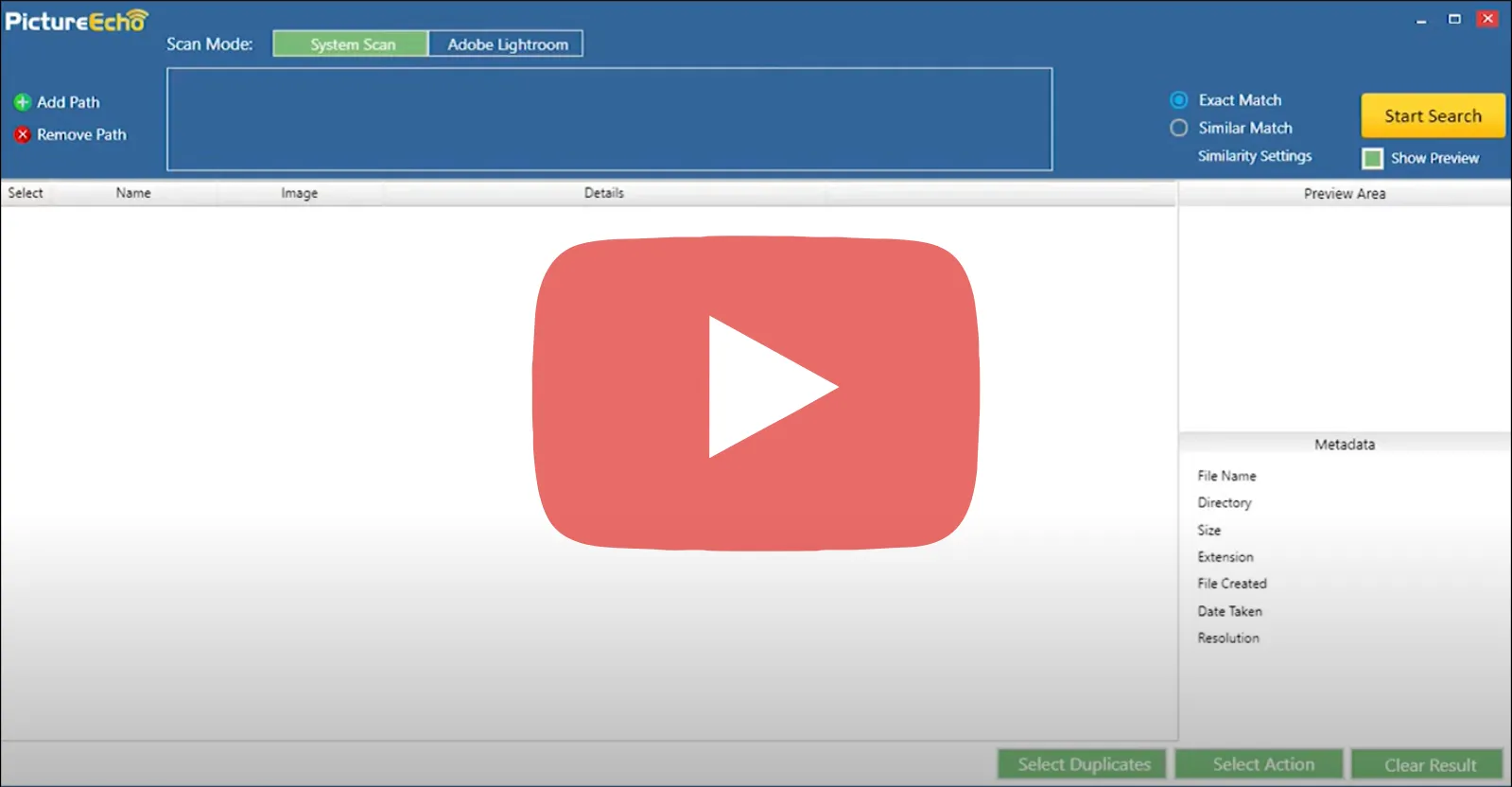
Exact vs Similar scan
Use exact for true duplicates; use similar for near-duplicates and variants.
| Exact mode | Similar mode |
|---|---|
| Finds files that are byte-for-byte identical (same file hash). | Finds photos that look alike (resized, edited, or re-saved) using perceptual hashing and image comparison. |
| Use exact for true duplicates. | Use similar for near-duplicates and variants. A similarity threshold (for example 1-13) controls how strict the match is. |
Trusted Reviews from Real Customers
See what users say about PictureEcho - duplicate photo finder for Windows and Mac. Rated 4.8 / 5 from 282 reviews on Trustpilot.
See all reviews on Trustpilot
The Solution
Identifying Similar and Duplicate Images Made Easy
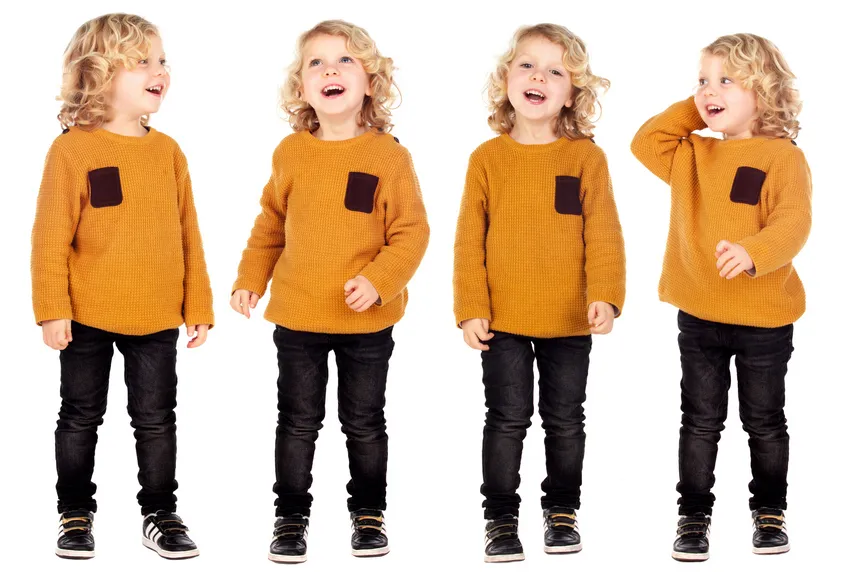
PictureEcho is a visual similarity duplicate image finder with an intuitive algorithm. It works as both an exact duplicate picture finder and a smart similarity detector.
Smart Duplicate Detection
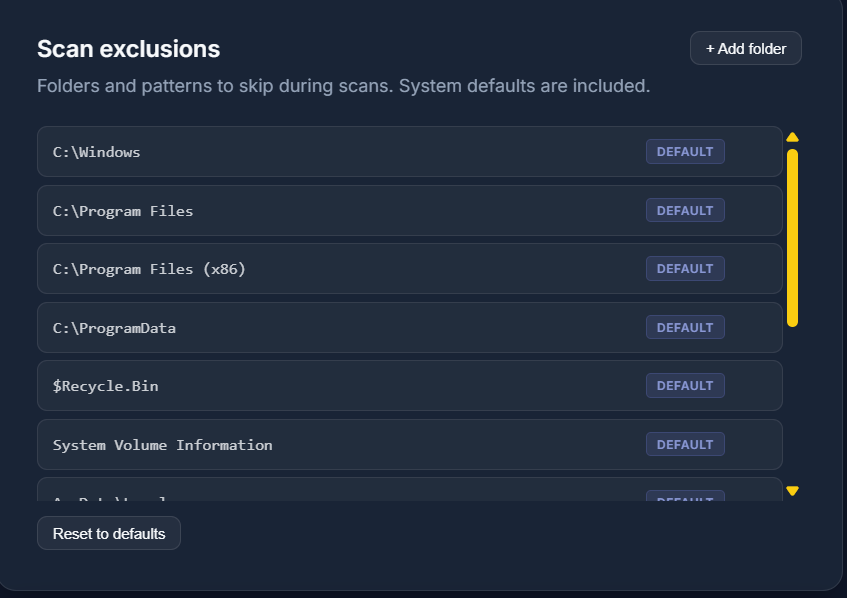
Advanced algorithms detect both exact duplicates and visually similar images with customizable similarity thresholds.
Intelligent Preview & Selection
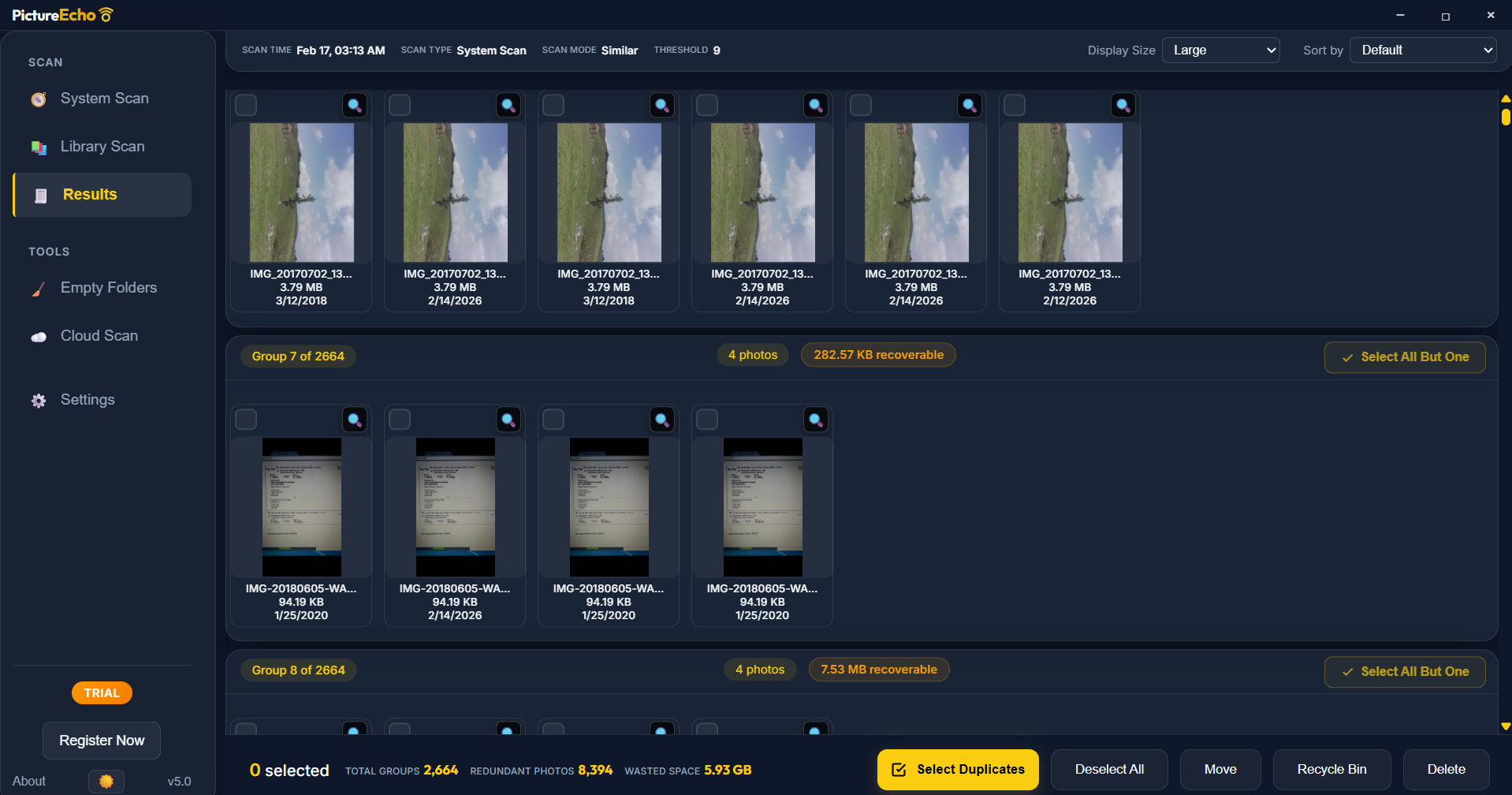
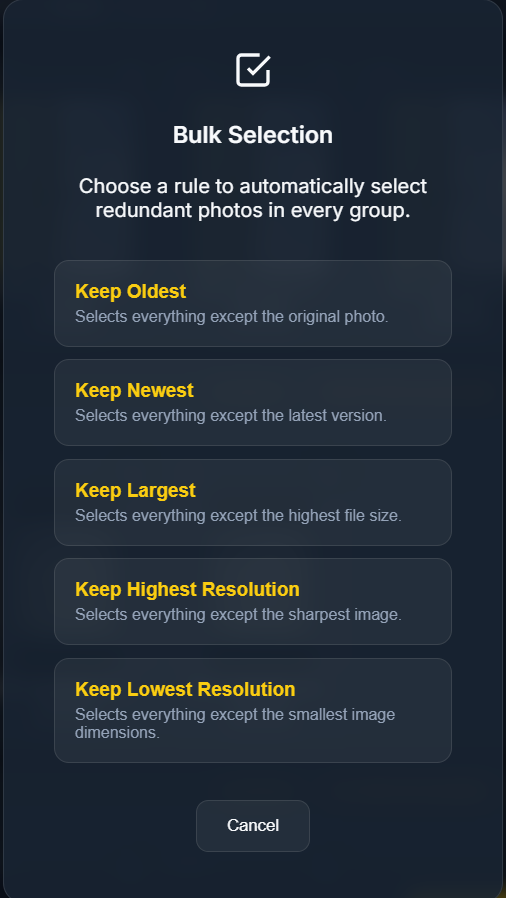
Preview images with full metadata, compare duplicates side-by-side, and use smart selection filters based on file size, resolution, or location.
Safe Removal Options
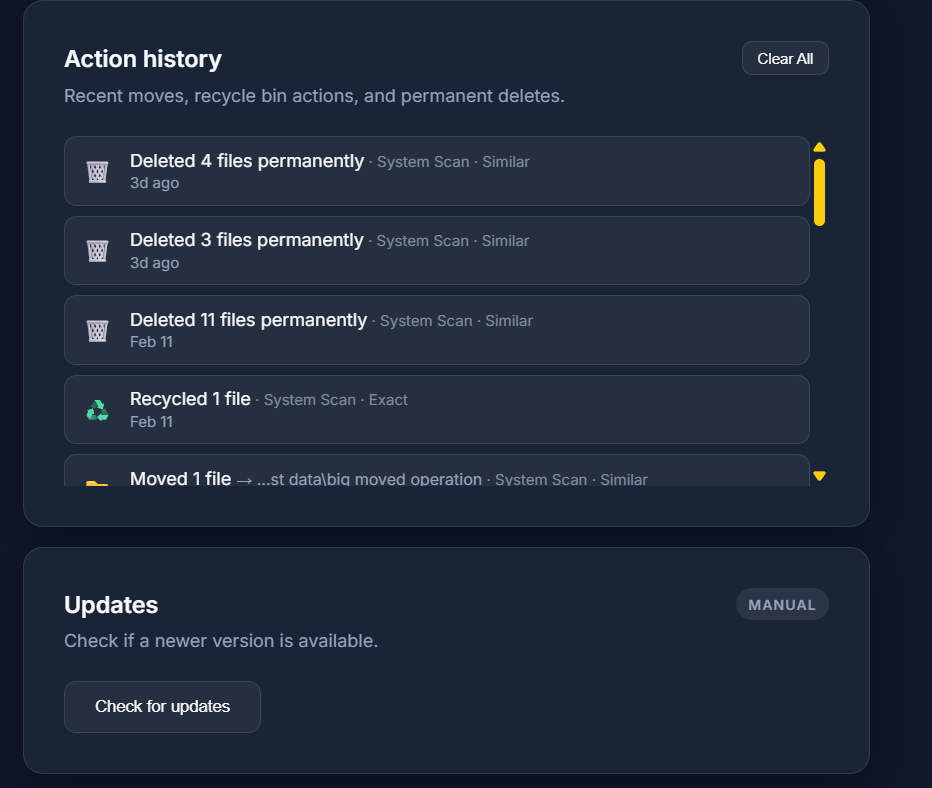
Permanently delete duplicates or move them to a folder. Supports multiple storage locations including external drives and networked locations.
Features & Functions
 is for
professional photographers
amateur photographers
designers
creative artists
photo lovers
is for
professional photographers
amateur photographers
designers
creative artists
photo lovers
Visual Similarity Detection
Similarity slider with 10+ points from Strict to Broad - set your preferred sensitivity for accurate, clear results
Exact Duplicate Photo Finder
100% same photos identified as duplicate pictures
Automated Selection
Select photos based on file size, resolution, file history and location
Remove Duplicates
Permanently delete duplicate photos eating up disk space
Image Preview & Details
Preview results, analyze and take action on duplicate and similar photos
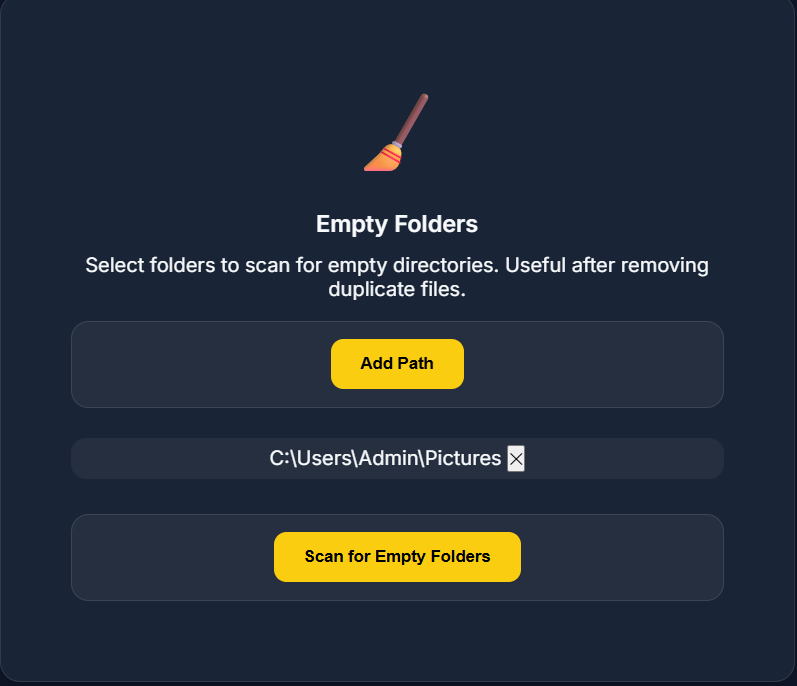
Move to Folder
Make a new folder and move duplicate images in it

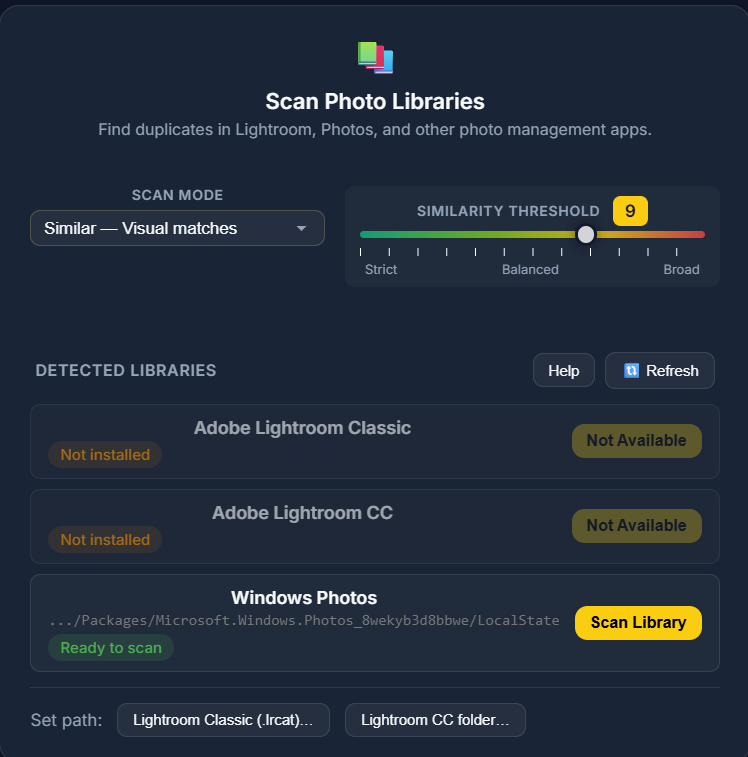
Adobe Lightroom Integration
Click on Lightroom Tab, load the pictures library, and start a scan
macOS Photos App
Find and fix similar and duplicate photos from the Mac Photos app library
System Requirements
Compatibility
PictureEcho works seamlessly on Windows and macOS-Intel and Apple Silicon (M1, M2, M3, M4)